Mouse, Keyboard & Crew Shortcuts
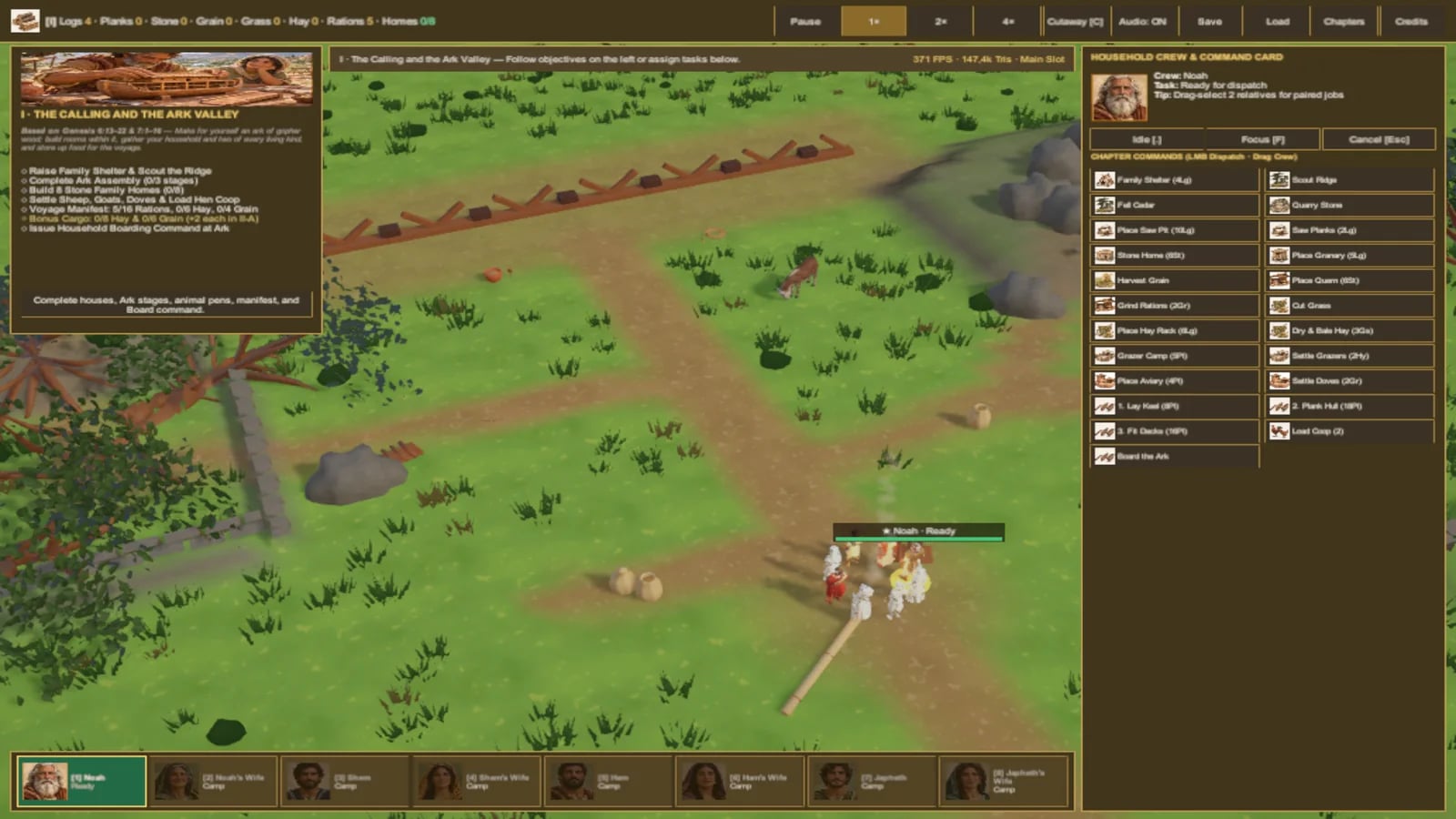
Click worksites and household members ([1–8]), press [F] to focus the camera, [C] to toggle the Ark cutaway roof during storm chapters, and [Esc] to cancel an active job.
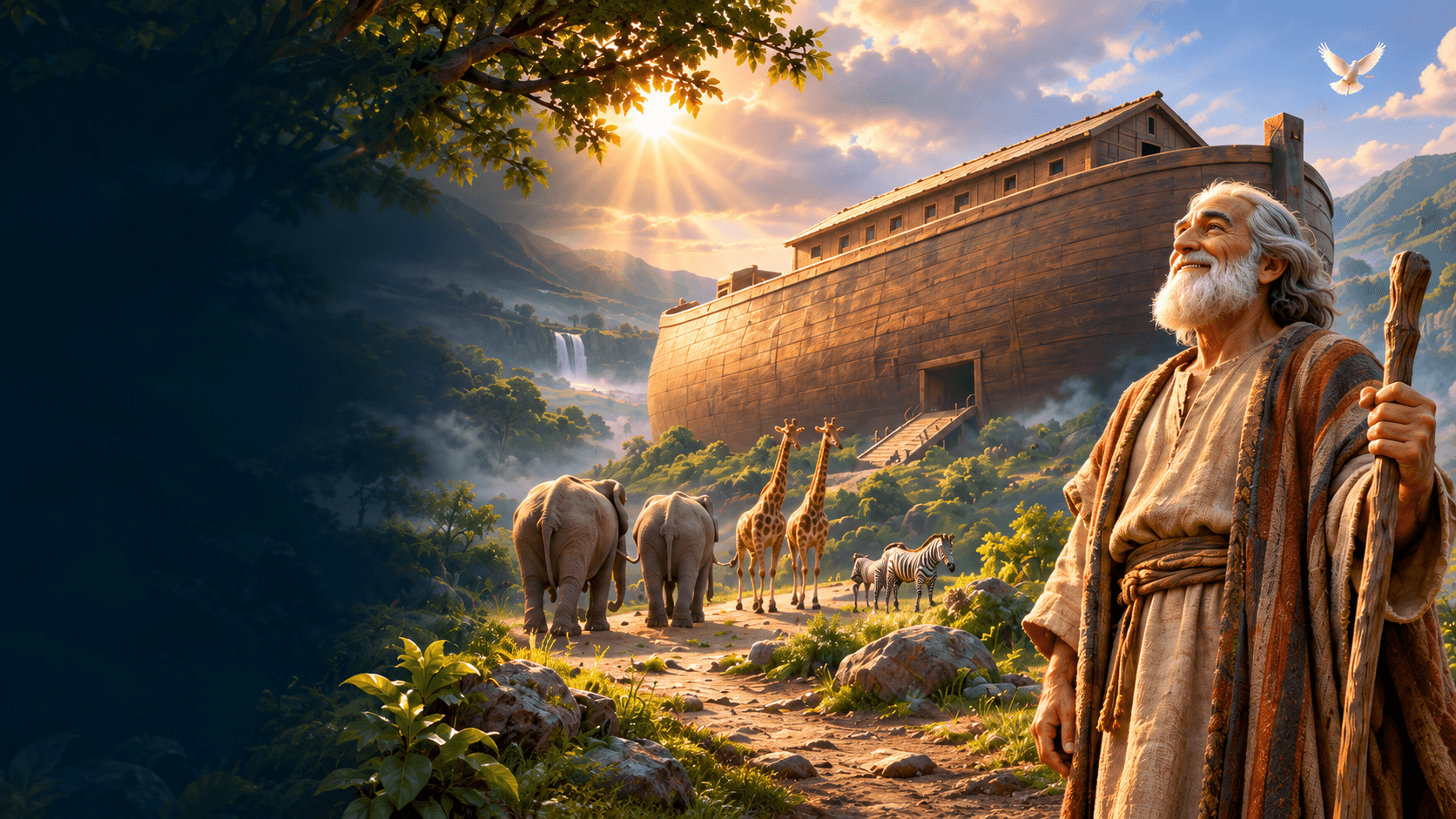
BROWSER 3D STRATEGY · GENESIS 6–9
Lead Noah’s household through ten interactive chapters—gathering gopherwood, raising the Ark, tending animals through the flood squall, and rebuilding an irrigated valley after the rainbow promise.
Streams directly in your browser with automatic local checkpoint saves.
Mobile phones run Noah · The Ark Valley in vertical Portrait orientation—use Open Full-Screen Tab for a full viewport on smaller screens.
CONTROLS & CAMPAIGN
Click worksites and household members ([1–8]), press [F] to focus the camera, [C] to toggle the Ark cutaway roof during storm chapters, and [Esc] to cancel an active job.
Built for upright portrait play: drag with one finger to pan the valley, pinch or twist to zoom and orbit, and tap Pair in the bottom dock to team up relatives.
Progress from Cedar Valley and Ark construction through the storm watch and Mount Ararat covenant saves automatically inside your browser with no account required.
INSIDE THE GAME WORLD
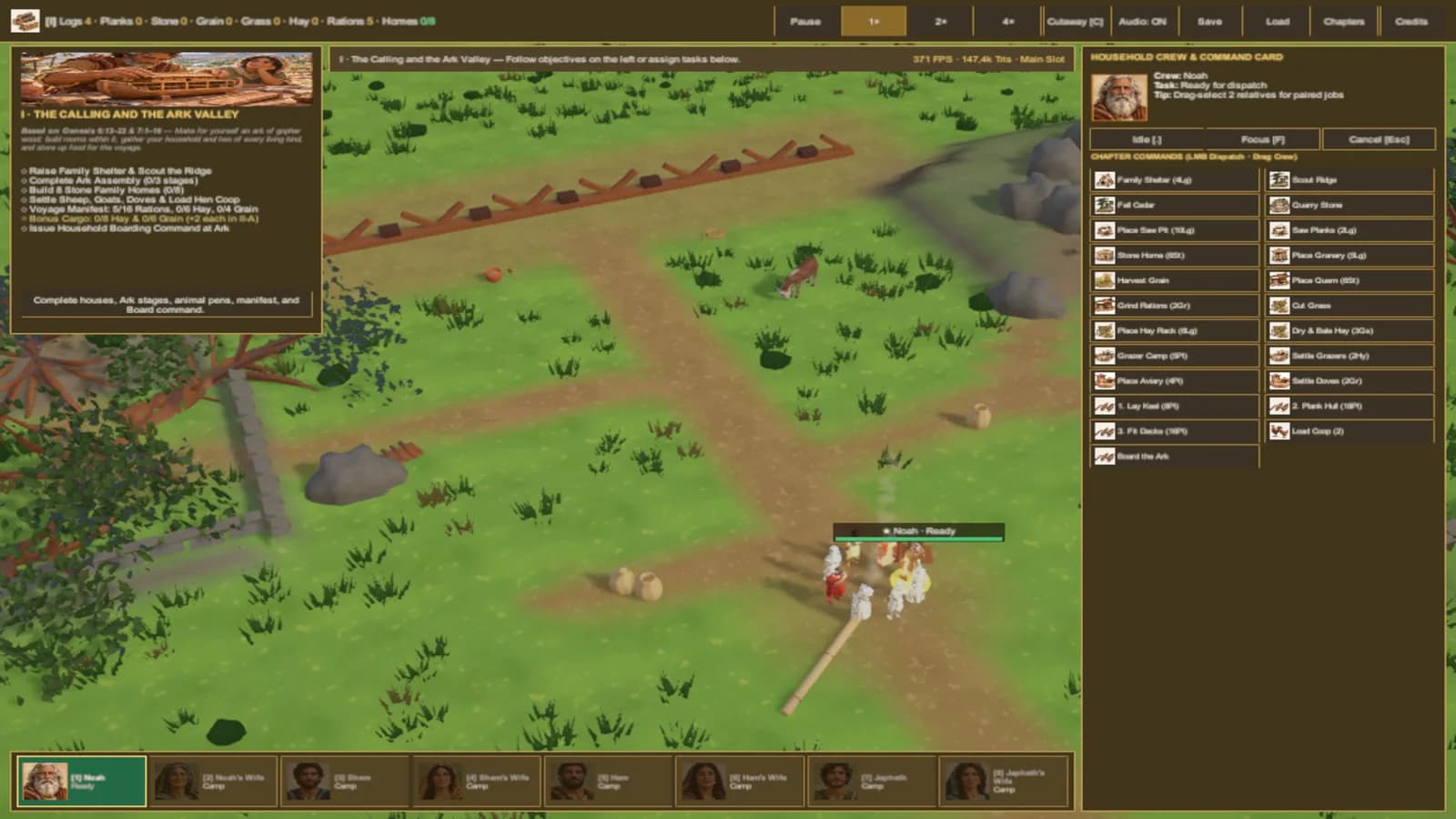
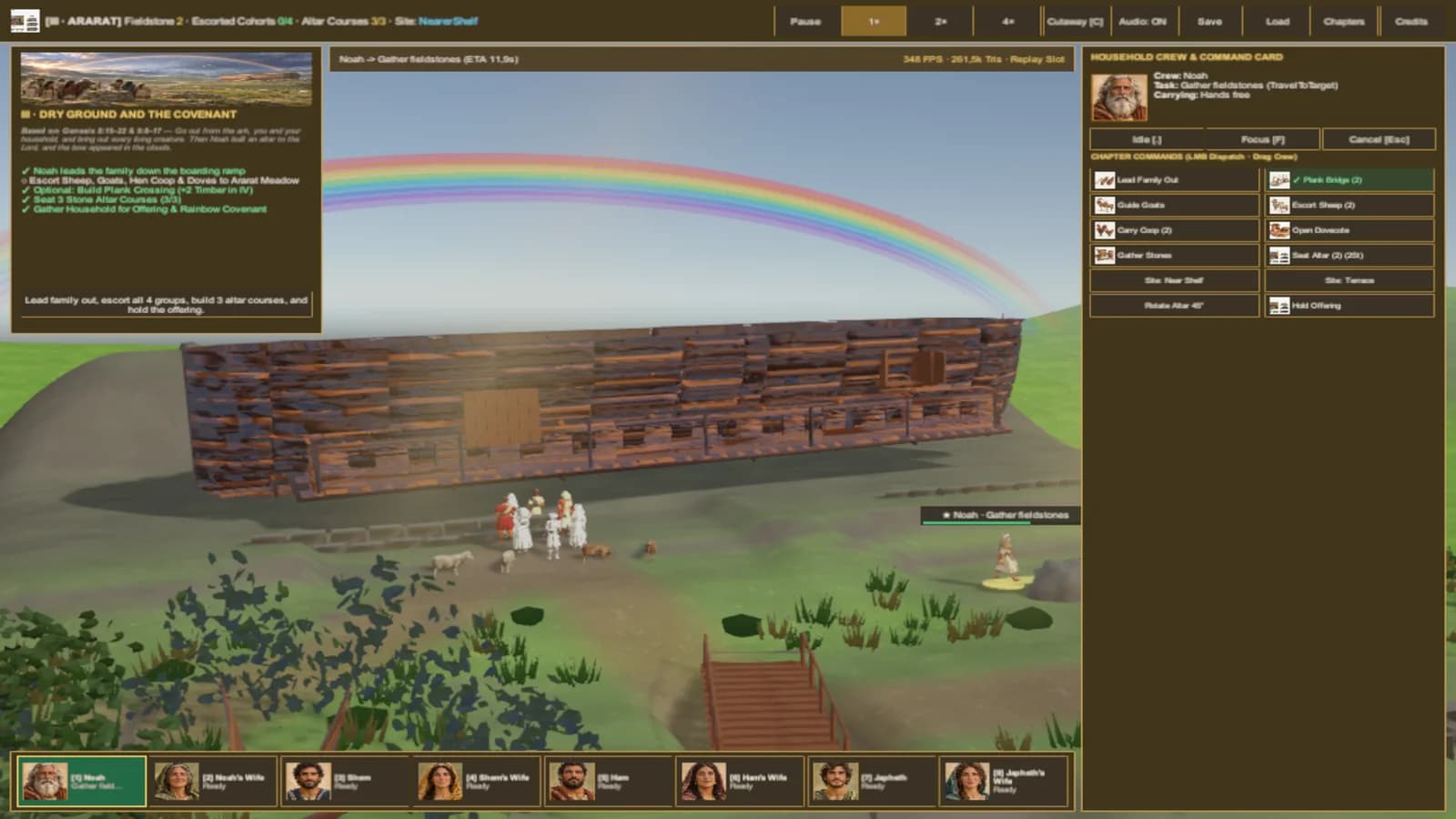
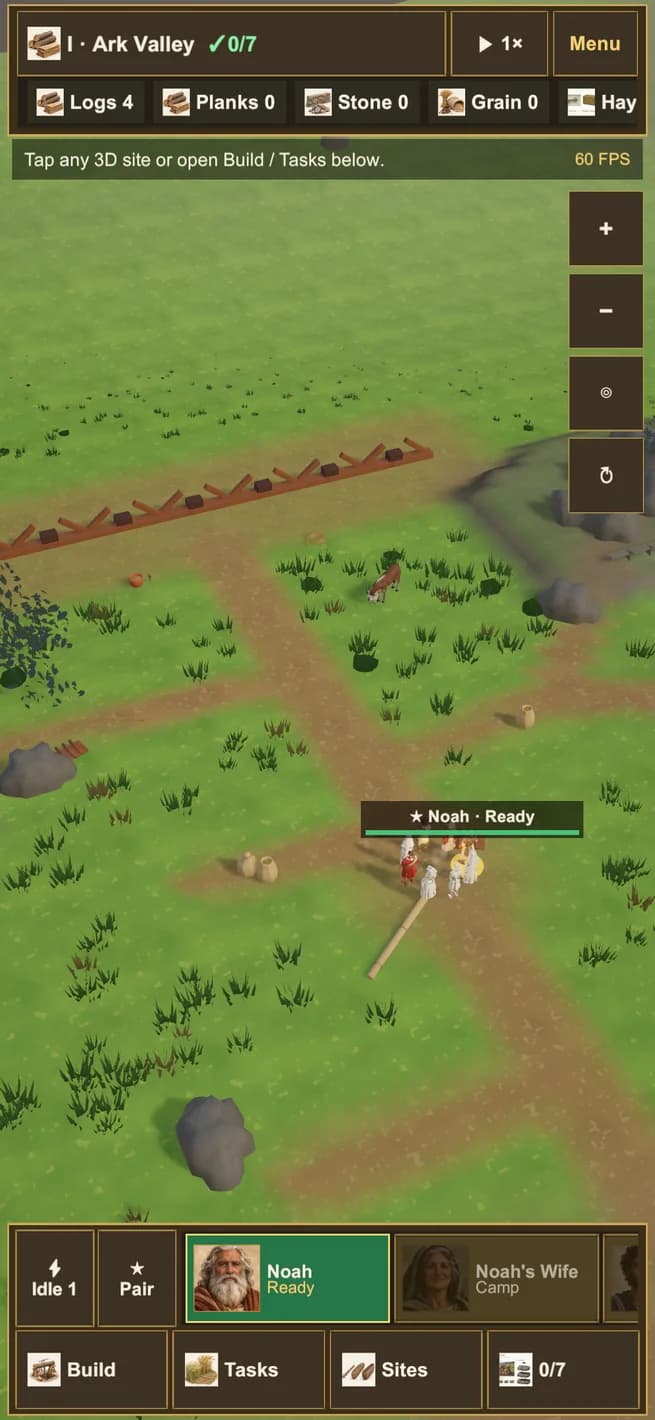
Checkpoints and progress save locally inside your own web browser storage (IndexedDB) on your device—no account login is needed.
Noah · The Ark Valley is designed around a one-thumb bottom crew dock and vertical valley framing so phones stay comfortable in one hand.
Click Full-Screen in the game bar on desktop, or tap Open Full-Screen Tab to launch the dedicated full-viewport player.